
DRAFT SYSTEM QUICK TIPS Glycol / Long Draw
Troubleshooting Your Glycol Draft System
Glycol Blender Box
A fast field guide for diagnosing foamy or slow-pouring draft beer on long-draw, glycol-cooled systems — before you call for service.
Step 1: Identify the Gas System
Pressure is set by Mountain Draft Technician; your job here is to check and report, not adjust.
Blender Box
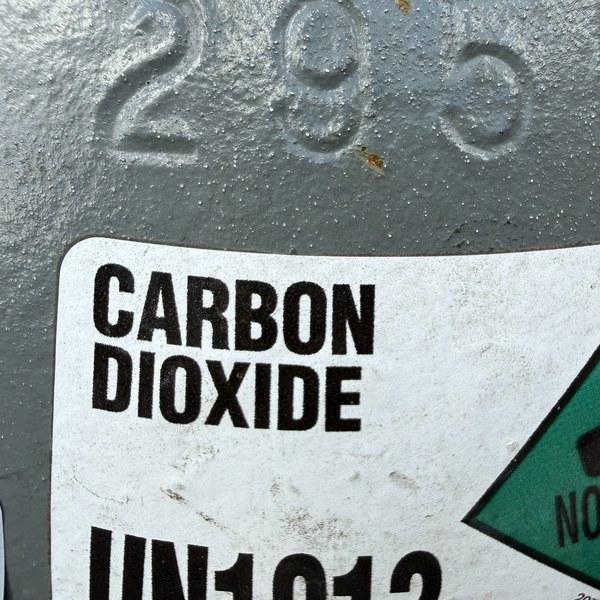
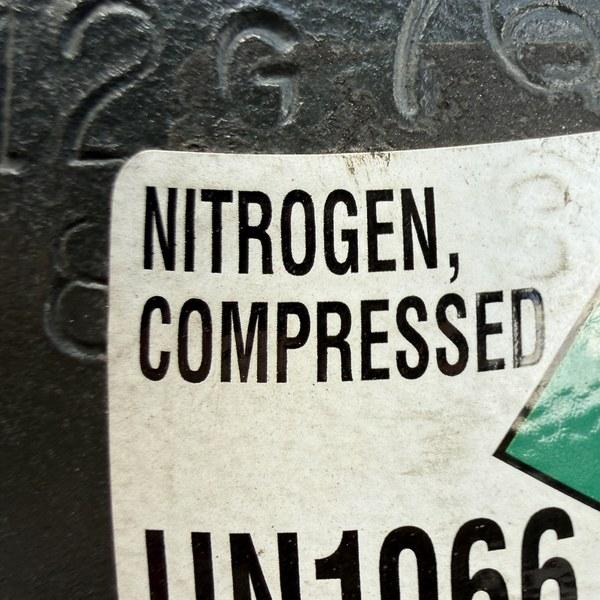
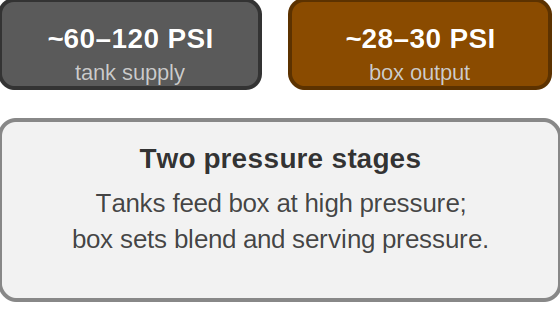
Checking the regulator
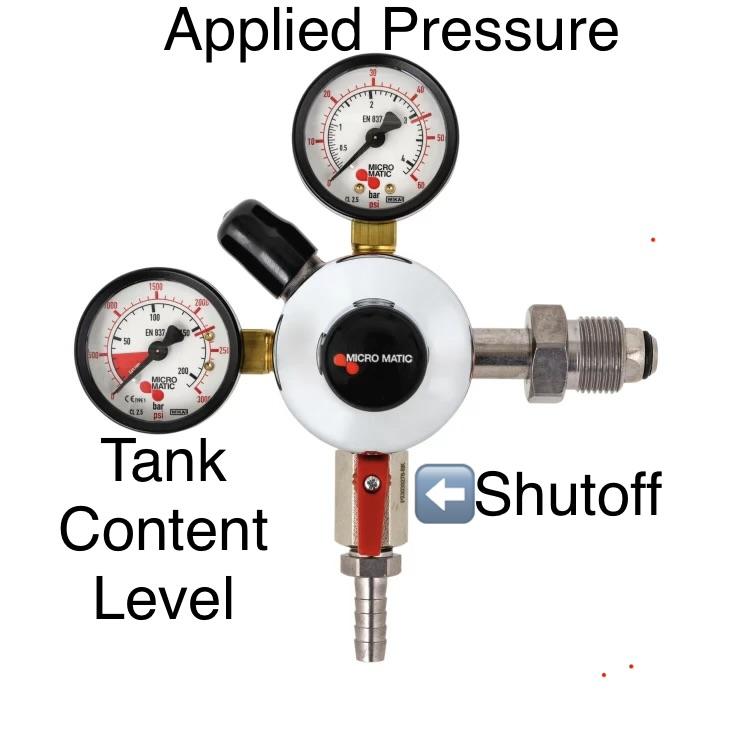
Tank content gauge: shows how much gas is left — replace with a full cylinder if it's near empty.
Applied (line) pressure gauge: shows what's being sent to the keg. Just note the reading.
Watch and listen for anything unusual: hissing, a needle stuck at zero, or frost on the tank.
Do not adjust the regulator. Note anything unusual and contact Mountain Draft Technician — don't turn any knobs yourself.
If the applied pressure reading is dropping, it's most likely because the cylinder is running empty — replace it with a full one rather than adjusting anything.
Step 2: Check the Glycol Chiller Readout
On a glycol system, the chiller (power pack) keeps beer cold over the full length of the trunk line. If a faucet is pouring warm or foamy beer, check this readout before assuming the problem is in the coupler.
What to confirm on the power pack
Digital readout should show 28–32°F for the glycol bath.
Power switch is on and the unit is running.
Pump indicator light is lit — a dark or unlit pump light usually means the glycol isn't circulating even if the chiller itself is cold.
Supply line leaving the power pack should feel cold to the touch; if it's warm, the pump or chiller has failed even though the display looks correct.
Step 3: Confirm Beer Temperature at the Faucet
Even if the chiller readout looks correct, confirm the beer itself is reaching the right temperature at the faucet — temperature causes more foam complaints than any other single factor.
Why it matters
Target range: 36–38°F at the faucet for most ales and lagers.
Too warm: CO2 breaks out of solution inside the keg and line, producing foam — even half a degree above 38°F can do it.
Too cold: carbonation stays trapped in the beer, causing overfilled glasses and flat-tasting pours once served.
If the power pack reads correctly but the poured beer is still warm, the problem is downstream — a warm spot in the trunk line, an uninsulated tower, or a failing pump — not the chiller setting.
Step 4: Inspect the Coupler Check Ball
With temperature and the gas system checked, look at the coupler probe next — it's the connection point on every keg. The ball sits loose in the bottom of the probe — there's no retainer to remove.
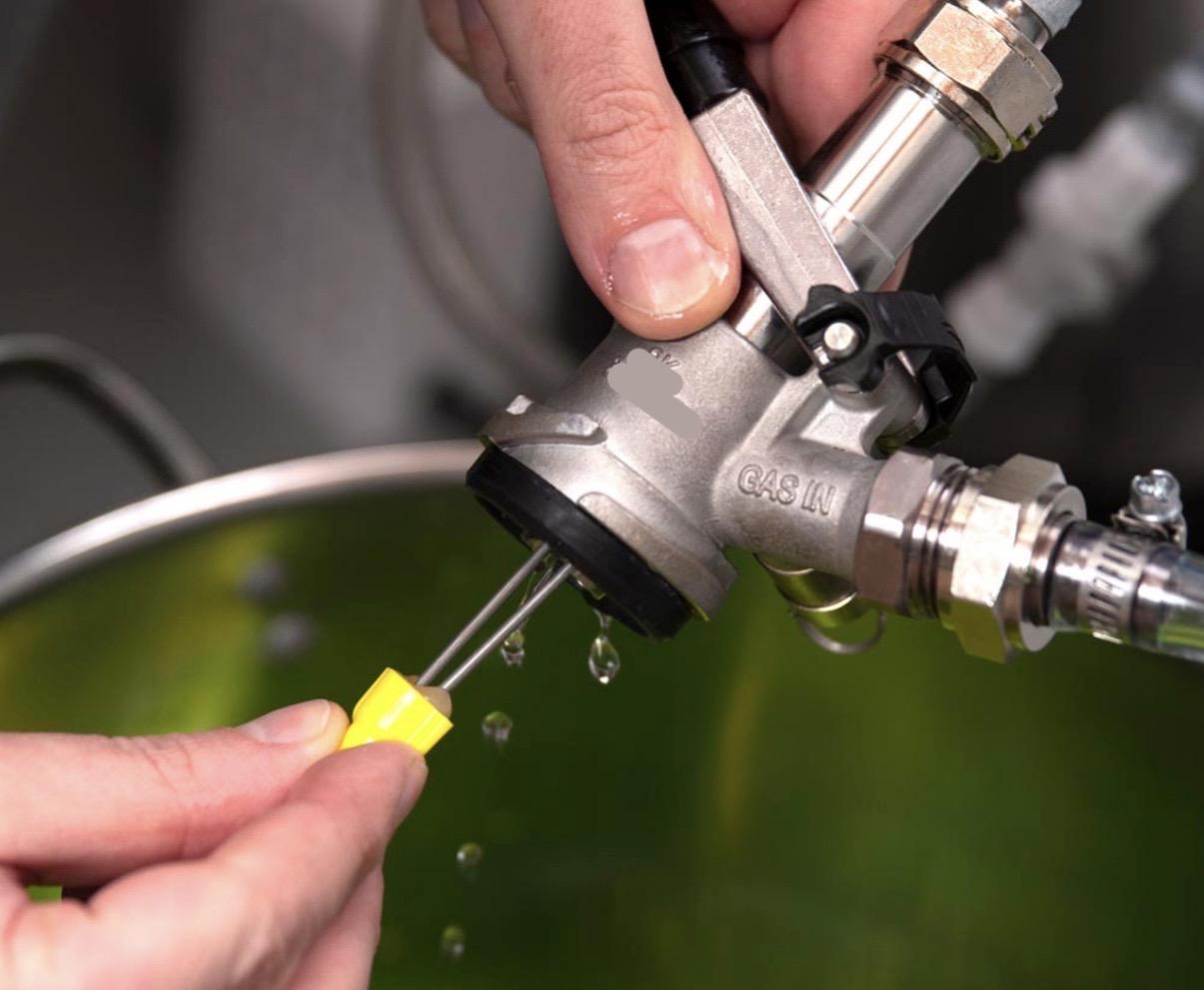
Gas inlet: connects to the regulator line.
Beer outlet: connects to the beer line.
Handle: locks the coupler onto the keg valve.
Probe: the part that extends down into the keg — the check ball sits loose at the bottom opening.
How to check if the check ball is stuck
Point the probe tip away from yourself and others before checking the ball — pressure or beer can release unexpectedly.
Relieve pressure using the pressure-relief ring, then disconnect the coupler from the keg.
Look up into the open bottom of the probe — the check ball should sit loosely in the opening and move freely when nudged.
With the probe pointed away from you, press the ball gently with a clean tool or your finger to break it free. It should pop loose and move freely.
Step 5: Check the FOB Detector
If the check ball is fine but beer still isn't flowing, check the FOB next. It sits inline between the coupler and the trunk line inside the walk-in cooler, and seals shut whenever a keg kicks or foam reaches it. After every keg change, it must be manually reset before beer will flow again. See the separate "Resetting Your FOB" reference sheet posted in the cooler for your FOB type and reset steps.